


























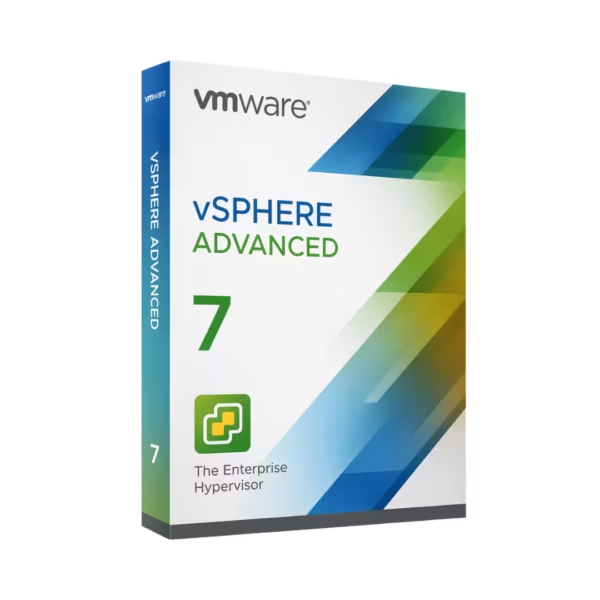












- Description
- Minimum Requirements
- Specifications
- Additional information
- Reviews
VMware vSphere 7 Advanced gives businesses a powerful virtualization platform for VMware ESXi 7.x environments. It includes instant digital delivery, lifetime usage, and no subscription, so IT teams can deploy virtual infrastructure with confidence.
Moreover, it helps administrators run, manage, and optimize virtual machines on a stable bare-metal hypervisor foundation.
Overview of VMware vSphere 7 Advanced
- Platform: VMware ESXi 7.x (bare-metal hypervisor)
- Edition: Advanced
- License Type: Retail
- Devices: 1 Device/ 5 Devices/ 10 Devices/ 20 Devices
- License Duration: Lifetime
- Activation Method: Online activation
- Delivery: Instant digital delivery via email
- Support: Email and remote assistance
- Language Support: Multi-language
- Compliance: Genuine software licenses sourced through compliant distribution channels in line with EU laws (EU Directive 2009/24/EC) and industry standards.
Key Features
- Bare-metal virtualization: Run virtual machines directly on server hardware, so your infrastructure gains better performance and efficiency.
- Advanced workload management: Control business applications more effectively and improve resource allocation across virtual machines.
- Scalable infrastructure: Add capacity as your needs grow. Therefore, your VMware environment can support new workloads more easily.
- Centralized VMware deployment: Build a structured virtual environment that helps IT teams reduce manual server management.
- High availability support: Improve service continuity and reduce disruption for important business systems.
- Secure virtualization layer: Strengthen workload isolation and support safer infrastructure operations.
- Lifetime usage: Pay once and use the activated product long term without recurring subscription costs.
Main Features Explained
Bare-Metal Hypervisor Performance
VMware vSphere 7 Advanced runs on VMware ESXi 7.x as a bare-metal hypervisor. As a result, it can deliver strong performance because virtual machines run directly on server hardware.
Virtual Machine Management
VMware virtualization helps IT teams create and manage multiple virtual machines on one physical server. Therefore, businesses can reduce hardware waste and improve server use.
Resource Optimization
The platform helps administrators allocate CPU, memory, and storage resources more efficiently. Consequently, workloads can run more smoothly across the virtual environment.
Business Continuity Support
Advanced virtualization features help support stable operations for business applications. In addition, they reduce the risk of downtime caused by poor infrastructure planning.
Why Choose VMware vSphere 7 Advanced?
VMware vSphere 7 Advanced suits IT administrators, data centers, managed service providers, and businesses that need professional server virtualization. It works well for workload consolidation, private cloud projects, testing environments, and production infrastructure.
Moreover, you can explore more professional solutions in our virtualization software licenses category. This helps you choose tools that match your VMware setup and long-term infrastructure needs.
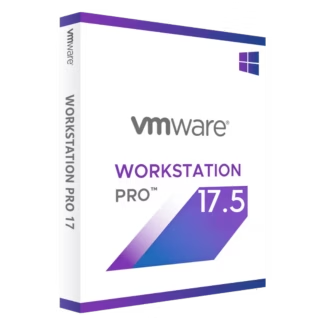
For comparison, VMware Workstation 17.5 Pro focuses on desktop virtualization. Meanwhile, VMware vSphere 7 Advanced supports server-level virtualization for business environments.
VMware vSphere 7 Advanced vs Alternatives
Compared with desktop virtualization tools, VMware vSphere 7 Advanced gives businesses a stronger foundation for server workloads, shared resources, and professional infrastructure. Therefore, it fits better in data centers and production environments.
Compared with VMware Fusion 13 Pro Mac, vSphere focuses on ESXi server virtualization, while Fusion focuses on running virtual machines on macOS. Also, VMware ThinApp for Application Virtualization serves a different purpose because it focuses on application packaging and delivery.
System Compatibility
VMware vSphere 7 Advanced works with VMware ESXi 7.x bare-metal hypervisor environments. Before activation, check your server hardware, CPU support, memory, storage, and network configuration. This step helps ensure a smoother deployment and better virtual machine performance.
License Type Explanation
This is a Retail license with lifetime usage. In addition, it works as a one-time purchase, so you avoid recurring subscription fees after activation.
You can activate the license once on the selected device quantity. However, you cannot transfer or reuse it after activation. Also, if you uninstall the software or format the device, you may lose the activated license.
Installation & Activation
- Complete your order and receive instant digital delivery by email.
- Next, confirm that your server environment supports VMware ESXi 7.x.
- Install or access your VMware ESXi environment.
- Then, enter the provided activation details in the correct licensing area.
- After that, activate online and confirm that the product works correctly.
- Finally, contact support if you need email or remote assistance.
Why Buy From Us
Digital License provides genuine software licenses, secure checkout, fast email delivery, and professional support. Furthermore, we source licenses through compliant distribution channels in line with EU laws and industry standards.
- Genuine software licenses
- Instant digital delivery via email
- Secure payment process
- Email and remote assistance
- Compliance with EU laws, including EU Directive 2009/24/EC, and industry standards
Trust & Reliability
We help professionals and businesses purchase software with confidence. Therefore, every order gets secure handling, quick delivery, and support from our team when needed.
FAQ
How is VMware vSphere 7 Advanced delivered?
You receive it instantly by email after purchase.
Does VMware vSphere 7 Advanced offer lifetime usage?
Yes. Once you activate it, you can use it long term with no subscription.
Which platform do I need?
You need VMware ESXi 7.x as the bare-metal hypervisor platform.
How does activation work?
You activate it online using the details provided after purchase.
Can I transfer the license?
No. This Retail license does not support transfer or reuse after activation.
What happens if I format the device?
If you format the device or uninstall the software, you may lose the activated license.
Does this product follow EU legal standards?
Yes. Digital License sources licenses through compliant distribution channels in line with EU laws, including EU Directive 2009/24/EC, and industry standards.
Do you include support?
Yes. You receive email and remote assistance.
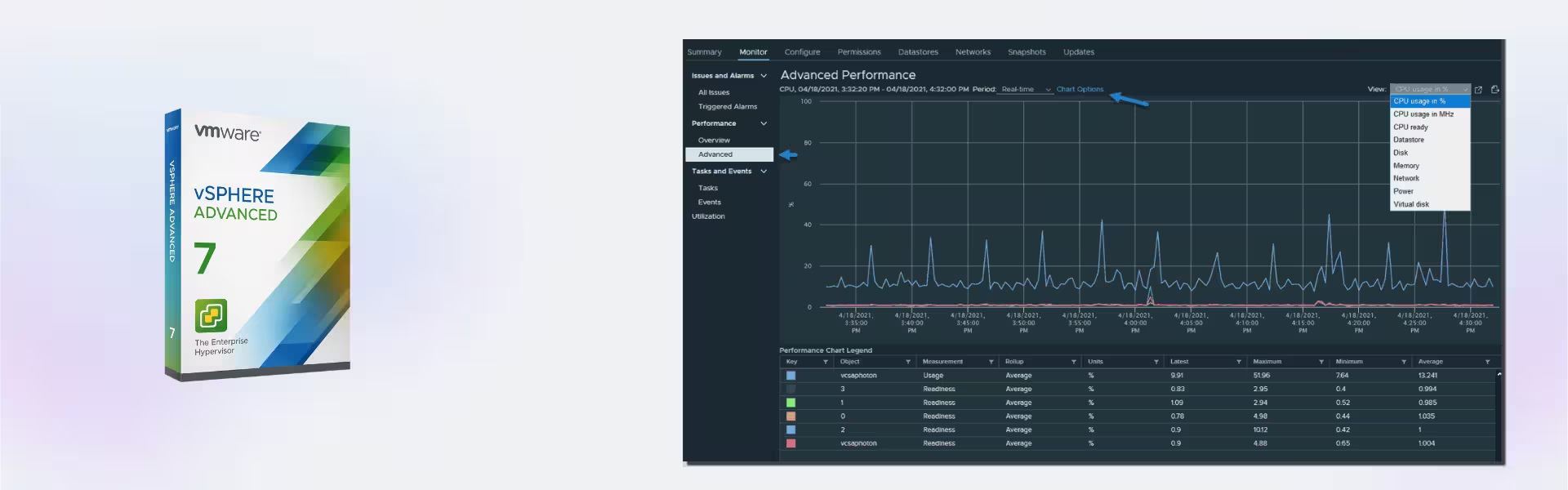
| Component | Requirement |
| Processor | 64-bit x86 CPU with at least 2 cores, virtualization support (Intel VT-x or AMD-V) |
| RAM | Minimum 8 GB (16 GB or more recommended) |
| Storage | Minimum 32 GB local storage (SSD recommended) |
| Operating System | VMware ESXi 7.x (bare-metal hypervisor) |
| Network | 1 Gigabit Ethernet adapter or faster |
| Management | vCenter Server required for advanced features |
| Specification | Detail |
|---|---|
| Activation | Single PC (one-time activation) |
| License validity | Lifetime (does not expire after activation) |
| Delivery method | By email within 15 minutes |
| Languages | Multilingual |
Additional information
| Devices | 1 Device, 5 Devices, 10 Devices, 20 Devices |
|---|

1 – Buy
Shop securely with SSL encryption.

2 – Receive
You will receive the license key and download link.

3 – Download
Download and install the software.

4 – Activate
Enter the license key to the software.
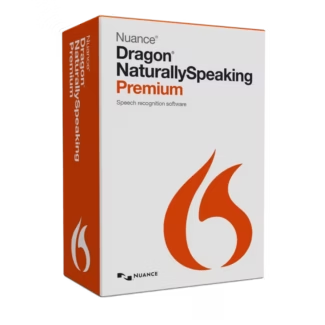
Nuance Dragon NaturallySpeaking Premium 13
