











- Description
- Minimum Requirements
- Specifications
- Additional information
- Reviews
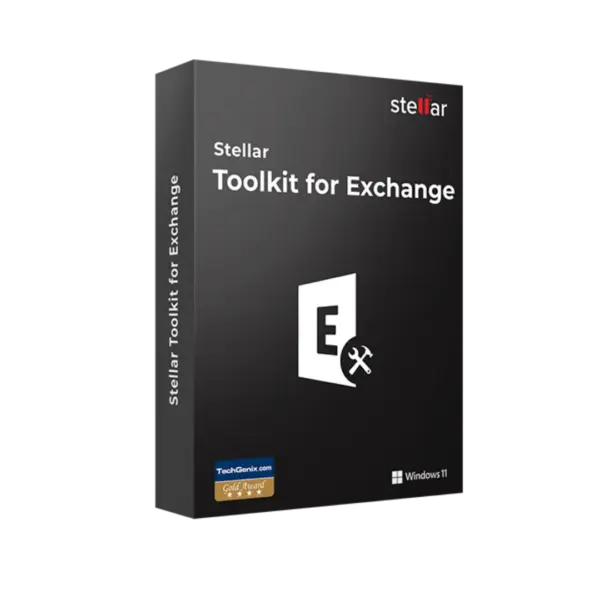
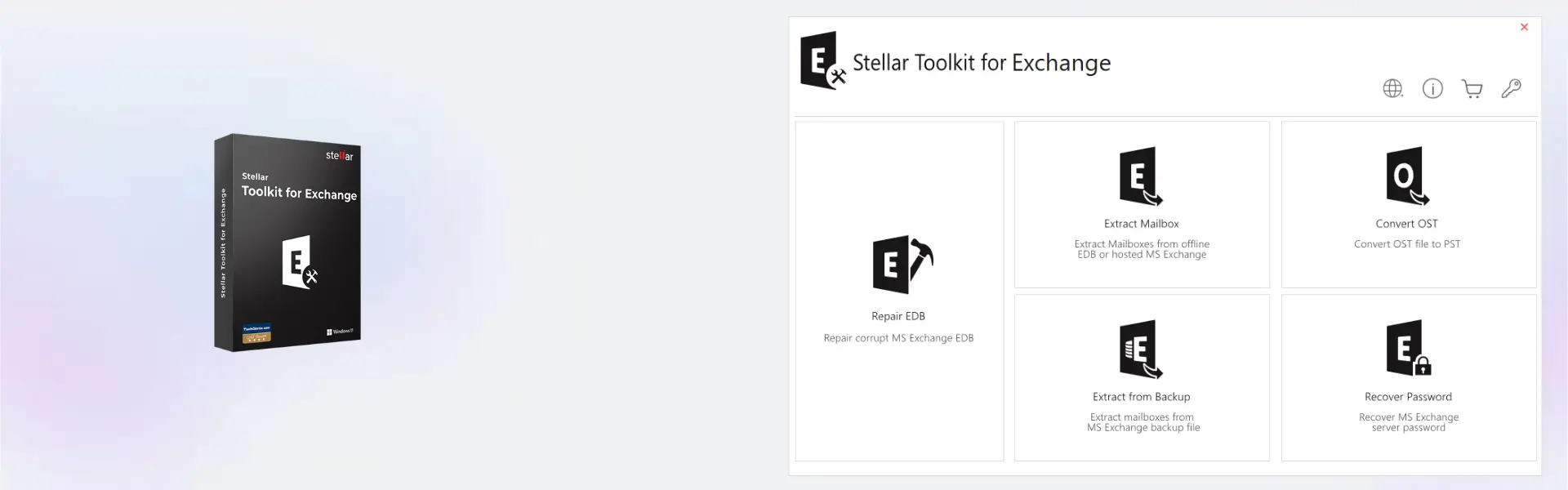
Stellar Toolkit for Exchange is a professional Windows solution for Exchange Server recovery, mailbox repair, and email data restoration. It helps IT teams, administrators, and businesses recover critical Exchange data from damaged EDB files, offline mailboxes, and complex server recovery scenarios. You receive instant digital delivery by email, online activation, and no automatically renewed subscription, with lifetime usage available when selected in the product variant.
This toolkit is designed for users who need a reliable recovery solution for 1 device. It is ideal for business continuity, mailbox restoration, Exchange data migration, and technical recovery tasks where email access is critical.
Overview of Stellar Toolkit for Exchange
- Platform: Windows
- Devices: 1 Device
- License Duration: 1 Year/ Lifetime
- Activation Method: Online activation
- Delivery: Instant digital delivery via email
- Support: Email and remote assistance
- Language Support: Multi-language
- Compliance: Genuine software licenses sourced through compliant distribution channels in line with EU laws (EU Directive 2009/24/EC) and industry standards.
Key Features
- Exchange database recovery: repairs and recovers data from damaged or inaccessible Exchange EDB files, helping businesses regain access to important mailbox content.
- Mailbox restoration: restores emails, contacts, calendars, tasks, notes, and attachments, making it easier to recover complete user mailbox data after server issues.
- Export to PST and other formats: saves recovered mailbox data in practical formats, allowing administrators to archive, migrate, or import content into Outlook workflows.
- Preview before saving: displays recoverable mailbox items before export, so users can verify messages, folders, and attachments before completing recovery.
- Selective recovery: allows specific mailboxes, folders, or items to be restored, saving time and avoiding unnecessary export of unrelated data.
- Support for Exchange recovery tasks: helps IT teams handle mailbox corruption, server migration, backup gaps, and database access problems more efficiently.
- Professional technical workflow: gives administrators a structured process for scanning, previewing, filtering, and saving recovered Exchange data.
- Built for business continuity: helps reduce downtime by restoring access to email data that may be essential for customer communication and internal operations.
Main Features Explained
Exchange database recovery
Stellar Toolkit for Exchange helps recover data from corrupted or inaccessible Exchange database files. This matters when an EDB file cannot be mounted, mailboxes are unavailable, or a server issue interrupts access to business email.
Mailbox item restoration
The toolkit can recover mailbox items such as emails, contacts, calendars, tasks, notes, and attachments. This is important because Exchange recovery is not only about restoring messages. It also protects schedules, communication history, and business records.
Export recovered data
Recovered mailbox data can be exported for archiving, migration, or continued use in Outlook-related workflows. This gives IT teams more control when preparing recovered data for users, departments, or compliance needs.
Preview and selective saving
The preview feature lets users check recoverable mailbox content before saving. Selective recovery then allows only the required mailboxes, folders, or items to be exported. This keeps the recovery process faster, cleaner, and easier to manage.
Business continuity support
Exchange Server environments often hold essential company communication. A strong Exchange recovery tool helps reduce downtime and supports faster return to normal operations after database corruption or access failures.
Why Choose Stellar Toolkit for Exchange?
Stellar Toolkit for Exchange is a strong choice for IT administrators, managed service providers, technical support teams, and businesses that need dependable Exchange data recovery. It is especially useful when mailbox databases become damaged, users lose access to email, or recovered data must be exported for migration or archiving.
The software helps reduce manual recovery work by offering a clear process for scanning, previewing, selecting, and saving mailbox data. For more solutions focused on backup, recovery, and business data protection, explore our backup and data recovery software category.
Compared with Stellar Repair for Exchange, this toolkit is positioned as a broader Exchange-focused solution for more demanding recovery scenarios. It is suitable for users who need a complete workflow for Exchange repair, mailbox recovery, and data export.
Stellar Toolkit for Exchange vs Alternatives
Stellar Toolkit for Exchange is designed for Exchange Server recovery and mailbox restoration. It is the right choice when the main goal is to recover data from EDB files, restore mailboxes, and protect business email continuity.
If your work involves OST file conversion, Stellar Converter for OST Technician may be more suitable. For Outlook file repair and related recovery tasks, Stellar Repair for Outlook Toolkit can be a better fit. This makes Stellar Toolkit for Exchange the stronger option when the recovery focus is Exchange Server data.
System Compatibility
Stellar Toolkit for Exchange is built for Windows. It is suitable for IT workstations, administrator systems, and recovery environments used to process Exchange database files. For best results, use a stable Windows installation, enough storage space for recovered mailbox data, and a reliable internet connection for online activation.
License Type Explanation
Stellar Toolkit for Exchange is available for 1 Device with a license duration of 1 Year/ Lifetime, depending on the selected product variant. This means you make a one-time purchase for the stated option, receive digital delivery, and activate the software online.
This product is not classified as a Microsoft Retail, Bind, or LTSC product. Its usage terms follow the product specification and the software publisher conditions. If the lifetime variant is selected, usage continues according to that variant after activation. If the 1-year variant is selected, the product is used for the stated license period.
For buyers, the main benefits are clear licensing, fast access after purchase, online activation, and a professional recovery solution for Exchange Server environments.
Installation and Activation
- Step 1: Complete your order and check your email for the digital delivery information.
- Step 2: Download the installer using the instructions provided after purchase.
- Step 3: Run the installer on your Windows computer and complete the setup process.
- Step 4: Launch Stellar Toolkit for Exchange after installation.
- Step 5: Choose online activation and enter the activation details received by email.
- Step 6: Select the Exchange database source, scan it, preview recoverable mailbox data, and save the required output.
Why Buy From Us
Digital License offers fast digital delivery, secure checkout, and support after purchase. You receive clear activation details and practical help if you need assistance with installation or setup.
- Genuine licenses: software is sourced through compliant distribution channels.
- Secure payment: orders are processed through protected online payment methods.
- Instant delivery: product information is sent digitally by email.
- Support after purchase: email and remote assistance are available when needed.
- EU law compliance: distribution follows EU Directive 2009/24/EC and relevant industry standards.
Trust Section
Digital License focuses on secure software purchasing, clear product information, and reliable customer support. Every order is handled through a digital process designed for fast access, transparent activation, and a smooth user experience.
FAQ
What is Stellar Toolkit for Exchange used for?
Stellar Toolkit for Exchange is used for Exchange database recovery, mailbox restoration, and export of recovered email data.
Does Stellar Toolkit for Exchange work on Windows?
Yes, the product is designed for Windows according to the product specification.
How is the product delivered?
The product is delivered digitally by email, usually shortly after the order and payment are processed.
How is Stellar Toolkit for Exchange activated?
The software uses online activation. After installation, open the program and enter the activation details provided by email.
Can it recover mailboxes from Exchange database files?
Yes, the toolkit is designed to help recover mailbox data from Exchange database files and restore important mailbox items.
Can I preview mailbox data before saving?
Yes, the preview feature allows you to review recoverable emails, folders, and attachments before saving the output.
Is Stellar Toolkit for Exchange suitable for business users?
Yes, it is suitable for IT administrators, technical teams, managed service providers, and businesses that need professional Exchange recovery.
Is this a lifetime product?
The license duration is listed as 1 Year/ Lifetime, depending on the selected product variant. Always check the chosen option before activation.
Is the purchase legal?
Yes, the product is supplied as genuine software sourced through compliant distribution channels in line with EU laws, including EU Directive 2009/24/EC, and industry standards.
Do I get support after purchase?
Yes, email and remote assistance are available for installation, activation, and basic setup support.
| Component | Requirement |
| Processor | Intel Pentium processor or compatible x64 processor |
| RAM | 4 GB RAM minimum (8 GB recommended) |
| Storage | 500 MB free disk space for installation |
| Operating System | Windows 11 / 10 / 8.1 |
| Supported Exchange | Exchange Server 2019, 2016, 2013 |
| Display | Minimum screen resolution of 1024 × 768 |
| Specification | Detail |
|---|---|
| Product | Stellar Toolkit for Exchange |
| Activation | 1 Windows PC |
| License validity | 1 Year / Lifetime |
| Features | Exchange recovery, OST to PST conversion, mailbox extraction, Outlook repair |
| Supported Exchange | Exchange Server 2019, 2016, 2013, 2010 |
| Export Options | PST, Live Exchange, Office 365 |
| Delivery method | By email within 15 minutes |
| Languages | Multilingual |
Additional information
| Subscription period | 1 Year, Lifetime |
|---|

1 – Buy
Shop securely with SSL encryption.

2 – Receive
You will receive the license key and download link.

3 – Download
Download and install the software.

4 – Activate
Enter the license key to the software.

Ashampoo 3D CAD Architecture 10