






































- Description
- Minimum Requirements
- Specifications
- Additional information
- Reviews
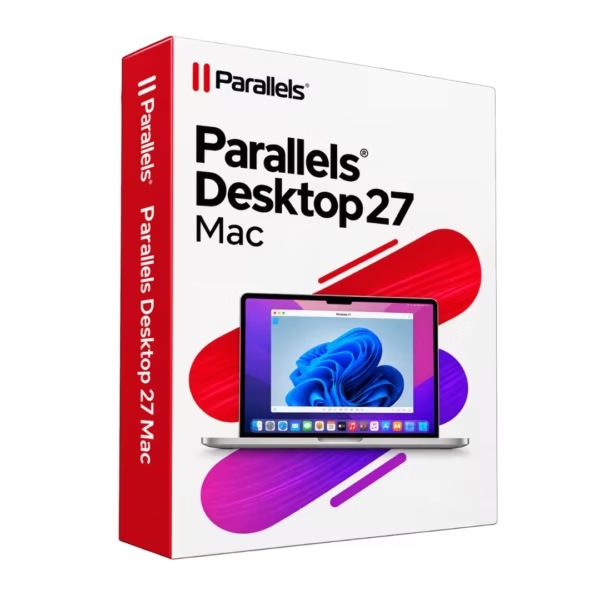
Parallels Desktop 27 Mac is a powerful virtualization solution for Mac users who want to run Windows and other operating systems alongside macOS. It is delivered instantly by email and is available for 1 device with either 1-year or lifetime usage, depending on the selected option. The lifetime option does not require an annual subscription renewal.
Overview of Parallels Desktop 27 Mac
- Platform: MacOS
- Edition: Standard
- License Type: Online
- Devices: 1 Device
- License Duration: 1 Year/ Lifetime
- Activation Method: Online activation
- Delivery: Instant digital delivery via email
- Support: Email and remote assistance
- Language Support: Multi-language
- Compliance: Genuine software licenses sourced through compliant distribution channels in line with EU laws (EU Directive 2009/24/EC) and industry standards.
Key Features
- Run Windows on Mac: use compatible Windows applications directly on your Mac, reducing the need for a separate Windows computer.
- Virtualization within macOS: create a Windows environment without replacing macOS, so your normal Mac applications remain available.
- Cross-platform workflow: work with Windows and Mac software on the same machine, making daily tasks faster and more convenient.
- Efficient use of hardware resources: virtual machines use your Mac’s processor, memory, and storage, allowing multiple environments to run from one device.
- Separate virtual environments: create dedicated spaces for work, testing, or specific applications, helping keep projects better organized.
- Useful for work and study: access compatible office software, business tools, and Windows-only applications without leaving your Mac.
- Flexible usage period: choose between a 1-year option and lifetime usage according to the version purchased.
Main Features Explained
Windows Virtualization on Mac
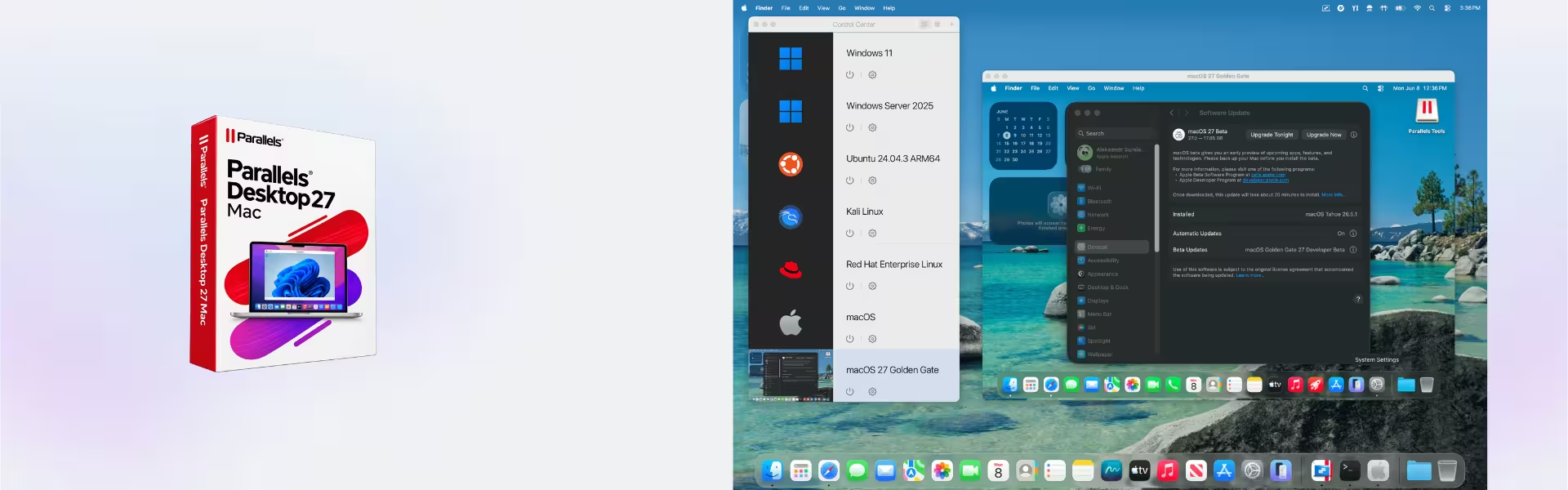
Parallels Desktop creates a virtual machine inside macOS. This allows you to install and run a compatible Windows operating system without replacing your Mac environment.
This is especially useful when you depend on applications that are available only for Windows. At the same time, macOS remains your primary operating system.
Cross-Platform Productivity
You can use Windows applications while continuing to work with your normal Mac software. This reduces the need to switch between multiple computers.
It is particularly practical for users who work with business software, documents, specialist tools, or mixed Mac and Windows workflows.
Separate Virtual Workspaces
A virtual machine operates as an independent environment inside your Mac. You can dedicate it to business software, study, testing, or other specialized tasks.
This makes it easier to separate projects and maintain an organized workflow.
Resource Management
The virtual machine shares your Mac’s processor, memory, and storage resources. The amount of available hardware therefore has a direct impact on performance.
With sufficient resources, Windows applications can run smoothly alongside macOS for a more efficient experience.
Why Choose Parallels Desktop 27 Mac?
Parallels Desktop 27 Mac is a practical choice for home users, students, professionals, and businesses that need access to Windows applications on Mac. Typical uses include office work, education, business software, productivity tools, and general cross-platform computing.
The main advantage is the ability to work with macOS and Windows on the same computer. This can reduce the need to purchase, maintain, and switch between separate devices.
Explore more options in our range of virtualization software.
If you need a solution aimed at developers, IT professionals, or more advanced technical workflows, compare it with Parallels Desktop 27 Pro Mac.
Users who prefer an earlier generation can also consider Parallels Desktop 26 Mac.
Parallels Desktop 27 Mac vs Alternatives
Parallels Desktop 27 Mac is designed for straightforward and efficient Windows virtualization on Mac. It is well suited to everyday productivity, office applications, education, and general Windows software compatibility.
Parallels Desktop 27 Pro Mac is more focused on developers, IT specialists, and advanced users. The Pro version is therefore better suited to more technical and demanding workflows.
Parallels Desktop 26 Mac belongs to the previous generation. It can remain a suitable option for users whose existing environment is already based around that release.
System Compatibility
Parallels Desktop 27 Mac is designed for compatible Mac computers running supported versions of macOS. Before installation, check that your Mac model and operating system version meet the relevant requirements.
Processor performance, available memory, and free storage space also matter because virtual machines share your Mac’s hardware resources.
More memory and processing power can improve performance, especially when running demanding Windows applications.
Compatibility can also vary between individual programs. Check the requirements of any essential Windows software before setting up your virtual environment.
What Does the Online License Type Mean?
Parallels Desktop 27 Mac is supplied with an Online license type. Activation is completed over the internet using the product information provided after purchase.
- 1 device: the product is intended for one compatible Mac.
- 1 year or lifetime: the usage period depends on the option selected at purchase.
- Online activation: an internet connection is required to complete activation.
- Digital delivery: the required product information is sent directly by email.
- Transferability: any transfer or reactivation depends on the terms applicable to the selected option.
- Lifetime option: when the lifetime version is selected, no annual renewal is required for the purchased usage period.
Installation & Activation
- Check your email after purchase for the product information.
- Confirm that your Mac and macOS version are compatible.
- Download and install Parallels Desktop.
- Launch the software and enter the activation information you received.
- Complete the online activation process.
- Create your virtual machine and install the operating system you want to use.
Why Buy from Digital License?
Digital License combines fast digital delivery with professional support and straightforward online purchasing. Software is supplied through compliant distribution channels and in line with applicable regulations.
- Genuine software licenses sourced through compliant distribution channels
- Secure payment through the payment methods available at checkout
- Email and remote assistance for technical support
- Instant digital delivery directly by email
- Compliance with EU laws including EU Directive 2009/24/EC and relevant industry standards
Why Customers Choose Digital License
Choosing Digital License means combining convenient digital delivery with accessible after-sales assistance. If you encounter difficulties during installation or activation, support is available by email and, when necessary, through remote assistance.
Frequently Asked Questions
How long can I use Parallels Desktop 27 Mac?
The product is available with either 1-year or lifetime usage, depending on the option purchased.
How many devices can I use it on?
The product is intended for 1 compatible Mac.
How is the product delivered?
The product information is delivered digitally by email after purchase.
How does activation work?
Activation is completed online using the product information supplied after purchase.
Can I run Windows applications on my Mac?
Yes. Parallels Desktop allows you to run a compatible Windows operating system inside a virtual machine on macOS.
Is Windows included?
No. Parallels Desktop is virtualization software. Windows and other software used inside the virtual machine may need to be obtained separately.
Can I transfer the product to another Mac?
The product is intended for 1 device. Any transfer or reactivation depends on the terms that apply to the selected option.
Is it compatible with every Mac?
No. Compatibility depends on your Mac model, processor, macOS version, available resources, and the requirements of the software you plan to run.
What is the difference between the standard and Pro versions?
The standard version is suitable for everyday virtualization and general use. The Pro version is more appropriate for developers, IT professionals, and users with advanced technical requirements.
Is the product supplied legally?
Digital License supplies genuine software licenses through compliant distribution channels in line with applicable EU laws and industry standards.
| Component | Requirement |
| Processor | Apple Silicon Mac with an M-series chip or A18 Pro chip |
| RAM | 8 GB RAM minimum |
| Storage | 600 MB for the Parallels Desktop application, plus additional space for the guest operating system (at least 16 GB for Windows) |
| Operating System | macOS Sonoma 14.7, macOS Sequoia 15.5, macOS Tahoe 26.0, or later |
| Graphics | Integrated Apple Silicon graphics |
| Internet Connection | Required for product activation, updates, and selected features |
| Specification | Detail |
| Activation | Single Mac activation |
| License validity | 1 Year |
| Delivery method | By email within 15 minutes |
| Languages | Multilingual |
Additional information
| Subscription period | 1 Year, Lifetime |
|---|

1 – Buy
Shop securely with SSL encryption.

2 – Receive
You will receive the license key and download link.

3 – Download
Download and install the software.

4 – Activate
Enter the license key to the software.

Vmware vCenter Server 8 Standard

Nuance Dragon NaturallySpeaking Premium 13
