






































- Description
- Minimum Requirements
- Specifications
- Additional information
- Reviews
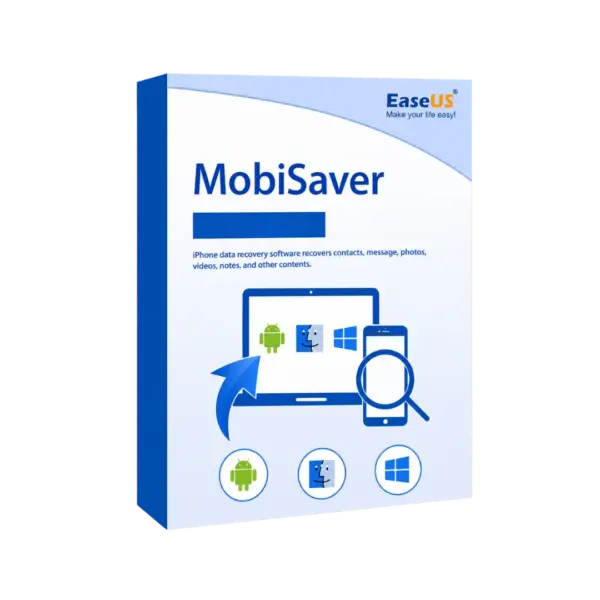
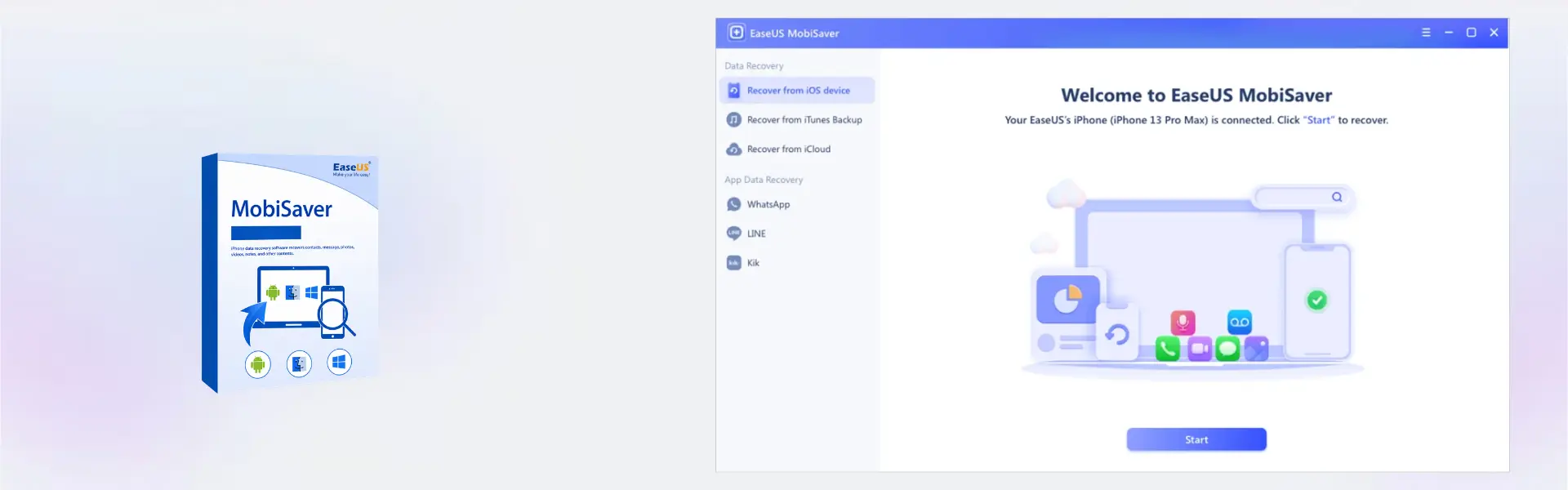
EaseUS MobiSaver is a powerful data recovery solution designed to help users recover deleted files, lost photos, contacts, videos, messages, and more from Android devices and computers. Enjoy instant digital delivery, flexible lifetime usage options, and a convenient one-time purchase without recurring subscriptions.
Whether you accidentally deleted important files or lost mobile data due to formatting, system crashes, or malware, EaseUS MobiSaver provides a fast and user-friendly recovery process for both beginners and professionals.
Overview of EaseUS MobiSaver
- Platform: Android/ Windows/ Mac
- Devices: 1 Device
- License Duration: 1 Month/ 1 Year/ Lifetime
- Activation Method: Online activation
- Delivery: Instant digital delivery via email
- Support: Email and remote assistance
- Language Support: Multi-language
- Compliance: Genuine software licenses sourced through compliant distribution channels in line with EU laws (EU Directive 2009/24/EC) and industry standards.
Key Features
- Recover deleted photos, videos, contacts, and messages quickly to minimize the impact of accidental data loss.
- Supports Android devices, Windows PCs, and Mac systems for flexible cross-platform recovery.
- Advanced scanning technology locates recoverable files even after formatting or system crashes.
- Preview recoverable files before restoration, helping users recover only the data they truly need.
- User-friendly interface simplifies the recovery process for both home users and professionals.
- Fast recovery performance reduces downtime and helps restore important business data efficiently.
- Multiple license duration options allow users to choose between short-term recovery needs or permanent lifetime access.
Main Features Explained
Deep File Recovery
EaseUS MobiSaver performs advanced scans to recover deleted files from smartphones and computers. This feature is essential for users who accidentally delete important documents, media files, or contacts and need reliable recovery results.
Photo and Video Restoration
The software restores lost images and videos from Android devices and desktop systems. This helps users recover valuable memories, work files, and media content without complicated recovery procedures.
Message and Contact Recovery
Deleted contact recovery and message restoration help professionals and business users protect communication records and important client information.
Preview Before Recovery
The preview feature allows users to view recoverable files before restoring them. This saves time, improves organization, and prevents unnecessary file restoration.
Cross-Platform Compatibility
Compatible with Android, Windows, and Mac systems, EaseUS MobiSaver gives users flexibility to recover data across multiple devices using a familiar interface.
Why Choose EaseUS MobiSaver?
EaseUS MobiSaver is ideal for users who need a dependable and professional mobile recovery software solution without complex technical steps. Whether you are recovering personal photos, business documents, contacts, or deleted messages, the software provides reliable recovery tools with fast scanning performance.
Home users benefit from its simple interface, while IT professionals and businesses appreciate its advanced recovery capabilities and flexible licensing options. Users looking for additional EaseUS solutions can explore the complete EaseUS software collection for productivity, recovery, and system management tools.
If you need mobile device unlocking capabilities alongside data recovery, consider EaseUS MobiUnlock as a complementary solution for unlocking Android and iOS devices securely.
For advanced desktop recovery scenarios, users can also benefit from EaseUS Data Recovery Wizard Professional, which provides expanded recovery options for storage devices and deleted partitions.
If your data loss involves damaged or deleted partitions, EaseUS Partition Recovery offers dedicated partition restoration capabilities for advanced recovery situations.
EaseUS MobiSaver vs Alternatives
Compared to standard mobile recovery tools, EaseUS MobiSaver offers broader compatibility across Android, Windows, and Mac systems while maintaining an easy-to-use interface. Unlike basic recovery applications that focus only on media files, the software also restores contacts, messages, and important documents.
Users who require advanced desktop-level recovery for hard drives and SSDs may prefer EaseUS Data Recovery Wizard Professional, while EaseUS MobiSaver remains the better choice for mobile-focused recovery and simplified device scanning.
System Compatibility
EaseUS MobiSaver supports Android devices along with Windows and Mac operating systems. The software is optimized to run efficiently on modern systems while maintaining compatibility with many older device models and operating system versions.
Its lightweight design ensures smooth performance during scans and recovery operations, making it suitable for personal users, office environments, and professional recovery workflows.
License Type Explanation
EaseUS MobiSaver is available with flexible duration options including 1 Month, 1 Year, and Lifetime access. Lifetime usage provides long-term access with a single payment and no recurring subscription costs.
This makes the software a cost-effective solution for users who want reliable recovery tools available whenever data loss occurs. Depending on the selected plan, users can enjoy continuous access without ongoing monthly payments.
Installation & Activation
- Complete your purchase securely through our website.
- Receive your digital delivery instantly via email.
- Download and install EaseUS MobiSaver on your device.
- Launch the software and enter your activation details.
- Complete online activation within minutes.
- Start scanning and recovering lost files immediately.
Why Buy From Us
We provide genuine software solutions with secure ordering, fast delivery, and professional customer support for every purchase.
- Instant email delivery
- Genuine software licenses
- Secure payment processing
- Email and remote assistance support
- Professional customer service
- Compliance with EU laws (EU Directive 2009/24/EC) and industry standards
Trust & Reliability
Thousands of users trust EaseUS products for secure and professional data recovery. With reliable activation methods, verified software distribution, and dedicated customer assistance, EaseUS MobiSaver offers peace of mind when recovering important files and personal data.
Frequently Asked Questions
How will I receive EaseUS MobiSaver?
Your order is delivered instantly via email after payment confirmation.
Does EaseUS MobiSaver work on Mac and Windows?
Yes, the software supports both Windows and Mac systems along with Android devices.
Can I recover deleted photos and videos?
Yes, EaseUS MobiSaver can recover deleted photos, videos, contacts, messages, and other supported files.
Is online activation required?
Yes, activation is completed through an online activation process.
Is there a lifetime option available?
Yes, users can choose a Lifetime plan for long-term access without recurring subscription fees.
Can I use the software on multiple devices?
The product supports activation for 1 device per license.
Is the software legally compliant?
Yes, all software is sourced through compliant distribution channels in line with EU Directive 2009/24/EC and industry standards.
Do you provide technical support?
Yes, we provide email and remote assistance support for installation and activation help.
Can EaseUS MobiSaver recover formatted data?
In many cases, the software can recover data lost after formatting, deletion, or system crashes depending on the condition of the storage device.
| Component | Requirement |
| Processor | 1 GHz processor or faster |
| RAM | 1 GB minimum (2 GB recommended) |
| Storage | 200 MB available disk space |
| Operating System | Windows 11, 10, 8.1, 8, 7 / macOS 10.13 or later / Android 4.0 or later |
| Graphics card | Standard VGA compatible graphics |
| Display | 1024 × 768 resolution or higher |
| Other Requirements | USB cable required for device connection, iTunes required for iOS recovery, USB debugging enabled for Android recovery |
| Specification | Detail |
|---|---|
| Activation | Single Device License (1 PC) |
| License validity | 1 Month / 1 Year / Lifetime (one-time purchase) |
| Delivery method | By email within 5–15 minutes |
| Languages | Multilingual |
Additional information
| Subscription period | 1 Month, 1 Year, Lifetime |
|---|---|
| Operating systems | Android, Windows, Mac |

1 – Buy
Shop securely with SSL encryption.

2 – Receive
You will receive the license key and download link.

3 – Download
Download and install the software.

4 – Activate
Enter the license key to the software.
Ashampoo 3D CAD Architecture 10

Vmware vCenter Server 8 Standard
