












- Description
- Minimum Requirements
- Specifications
- Reviews
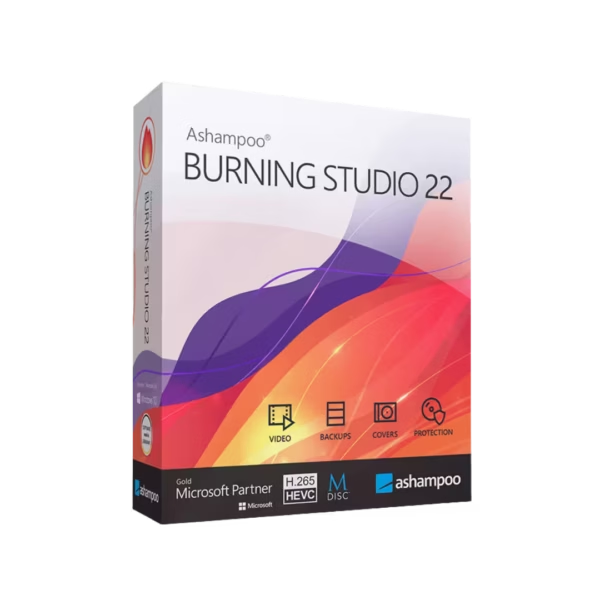
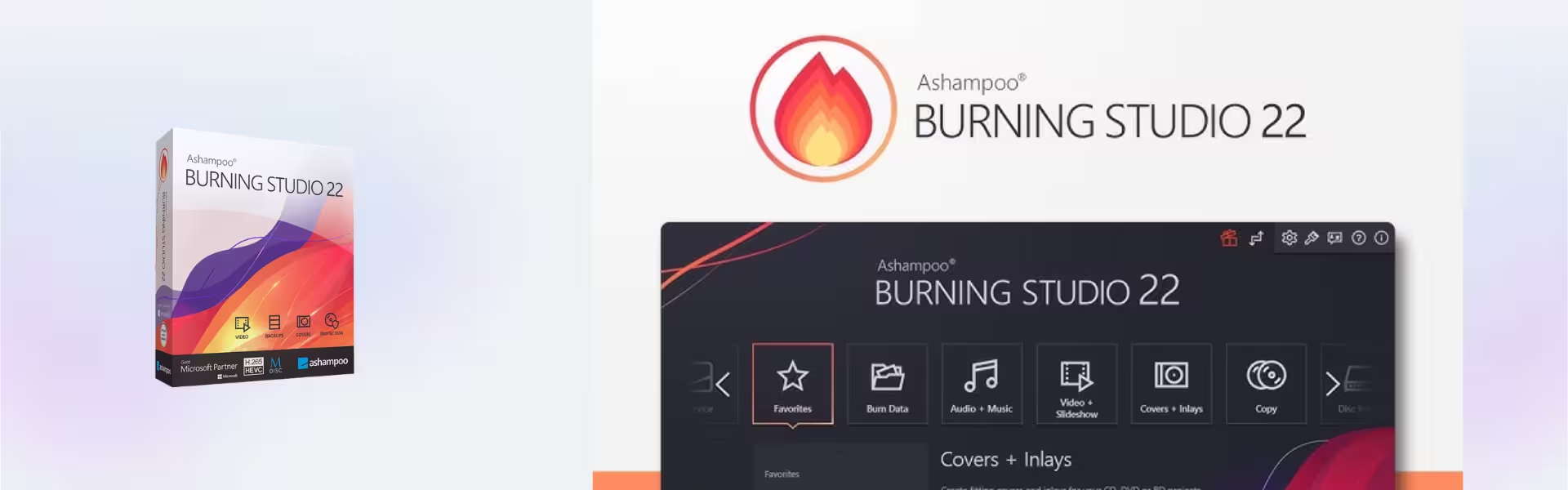
Ashampoo Burning Studio 22 gives Windows users a simple and reliable way to burn discs, copy media, and manage digital content. In addition, you receive instant digital delivery, lifetime usage, and no subscription.
Therefore, it is a practical choice for home users, students, professionals, and small offices that need dependable disc burning software for everyday tasks.
Overview of Ashampoo Burning Studio 22
- Platform: Windows
- License Type: Retail
- Devices: 1 Device
- License Duration: Lifetime
- Activation Method: Online activation
- Delivery: Instant digital delivery via email
- Support: Email and remote assistance
- Language Support: Multi-language
- Compliance: Genuine software licenses sourced through compliant distribution channels in line with EU laws (EU Directive 2009/24/EC) and industry standards.
Key Features
- Disc burning tools: Create CDs, DVDs, and Blu-ray discs easily, so you can store files, music, videos, and backups offline.
- Media copying: Copy compatible discs with a clear workflow, which helps you duplicate important content faster.
- Backup disc creation: Save important files to optical media and keep an extra offline copy for added protection.
- Audio disc support: Create music CDs with ease, so you can enjoy playlists on compatible players.
- Video disc options: Prepare video content for disc playback, which is useful for home media and presentations.
- Clean Windows interface: Complete burning tasks faster because the layout is simple, organized, and easy to follow.
- Lifetime access: Use the software without monthly or yearly subscription fees after activation.
Main Features Explained
CD, DVD, and Blu-ray Burning
Ashampoo Burning Studio 22 helps you write files, folders, music, and videos to optical discs. As a result, you can archive important content or share media in a physical format.
Disc Copying
The software lets you copy compatible discs through a guided process. Therefore, it saves time when you need duplicate copies for personal storage, office use, or media organization.
Offline Backup Creation
You can store important files on discs as an extra backup method. Moreover, offline storage can help protect selected data from accidental deletion or online threats.
Audio and Video Projects
The program supports common media burning tasks for music and video projects. This matters because it gives users one tool for both data storage and entertainment media.
Why Choose Ashampoo Burning Studio 22?
Ashampoo Burning Studio 22 suits users who want a clear, dependable, and long-term disc burning solution for Windows. It helps you burn files, copy media, create audio discs, and keep offline backups without complicated steps.
In addition, it works well for users who still rely on CDs, DVDs, or Blu-ray discs for storage, presentations, music, or archived files. For broader data protection tools, explore our backup and data recovery software category.
However, if you need full system backup features instead of disc burning, compare it with Ashampoo Backup Pro 26. Furthermore, users who manage compressed files may also benefit from Ashampoo ZIP Pro 4 for archive creation and file compression.
Ashampoo Burning Studio 22 vs Alternatives
Ashampoo Burning Studio 22 focuses on disc burning, media copying, and optical storage tasks. By contrast, basic Windows burning tools provide limited options and may not offer the same guided workflow for media projects.
Compared with backup software, this product is better for creating physical disc copies and offline archives. Meanwhile, full backup tools focus more on system recovery, automated backups, and drive protection.
System Compatibility
Ashampoo Burning Studio 22 works on Windows computers. For best results, use an updated Windows system, enough free storage for temporary files, and a compatible CD, DVD, or Blu-ray drive for disc writing.
License Type Explanation
This Retail product supports activation on 1 Windows device. It gives you lifetime usage after activation through a one-time purchase.
You can activate it once on one computer. However, you cannot transfer it or use it again on another device. If you uninstall the software or format the device, you lose the activation.
Installation and Activation
- Complete your order and receive instant digital delivery by email.
- Download the installer using the instructions provided after purchase.
- Run the setup file on your Windows computer.
- Follow the installation steps shown on screen.
- Activate the software online when prompted.
- Finally, contact our support team if you need email or remote assistance.
Why Buy From Us
Digital License provides genuine software licenses through secure, compliant, and customer-focused digital delivery. Therefore, you can order with confidence and receive support when needed.
- Genuine licenses sourced through compliant distribution channels.
- Secure payment process for safe checkout.
- Instant digital delivery by email.
- Email and remote assistance available.
- Compliance with EU laws, including EU Directive 2009/24/EC, and industry standards.
Trust and Reliability
We focus on clear product details, secure checkout, fast digital delivery, and practical support. As a result, you can activate your software with confidence and use it for long-term disc burning tasks.
FAQ
How do I receive Ashampoo Burning Studio 22?
You receive it by instant digital delivery via email after purchase.
How do I activate Ashampoo Burning Studio 22?
You activate the software online by following the instructions shown during installation.
Does Ashampoo Burning Studio 22 work on Windows?
Yes. Ashampoo Burning Studio 22 works on Windows devices.
Can I transfer the Retail activation to another computer?
No. You can activate this Retail product once on one computer, and you cannot transfer it later.
Does the product expire?
No. It gives you lifetime usage once you activate it on the supported device.
What happens if I format my device?
If you format the device or uninstall the software, you lose the activation and cannot use it again.
Is this a subscription?
No. This is a one-time purchase with lifetime usage after activation.
Is the software legally sourced?
Yes. Digital License sources software through compliant distribution channels in line with EU laws and industry standards.
| Component | Requirement |
| Processor | Dual-core processor (2 GHz or faster) |
| RAM | 2 GB (4 GB recommended) |
| Storage | Approx. 250 MB for installation (additional space required for data) |
| Operating System | Windows 7, Windows 8.1, Windows 10, Windows 11 |
| Graphics card | DirectX 9 compatible graphics card |
| Display | 1024 × 768 resolution or higher |
| Other | Internet connection required for activation |
| Specification | Detail |
|---|---|
| Activation | Single PC (one-time activation) |
| License validity | Lifetime (does not expire after activation) |
| Delivery method | By email within 15 minutes |
| Languages | Multilingual |

1 – Buy
Shop securely with SSL encryption.

2 – Receive
You will receive the license key and download link.

3 – Download
Download and install the software.

4 – Activate
Enter the license key to the software.