







































- Description
- Minimum Requirements
- Specifications
- Reviews
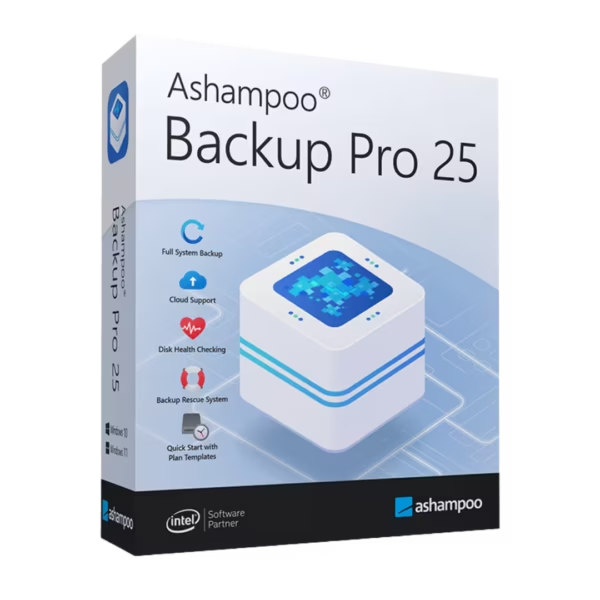
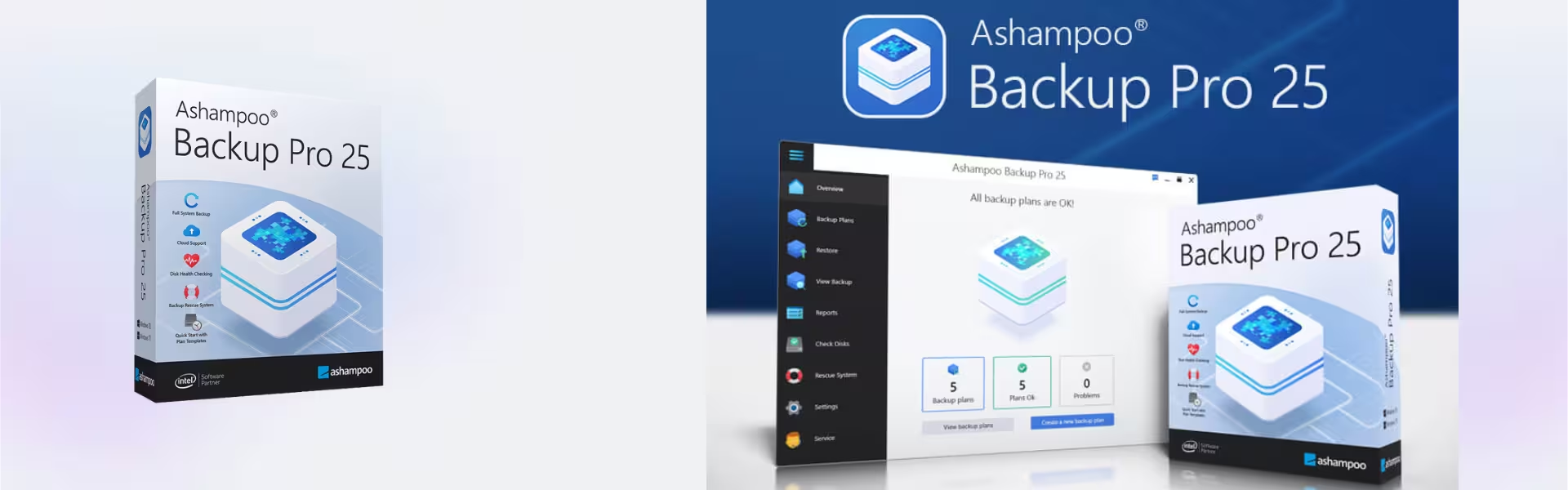
Secure your critical data effortlessly with Ashampoo Backup Pro 25, the ultimate solution for automated data protection. This powerful software guards your files, operating systems, and network drives against hardware failures, ransomware attacks, and system crashes. Get immediate peace of mind with instant digital delivery, lifetime usage, and complete control over your backup strategy with zero subscription fees.
Overview of Ashampoo Backup Pro 25
- Platform: Windows
- Edition: Professional
- License Type: Retail
- Devices: 1 Device
- License Duration: Lifetime
- Activation Method: Online activation
- Delivery: Instant digital delivery via email
- Support: Email and remote assistance
- Language Support: Multi-language
- Compliance: Genuine software licenses sourced through compliant distribution channels in line with EU laws (EU Directive 2009/24/EC) and industry standards.
Key Features
- Automated Backup Scheduler: Run background tasks seamlessly during low-resource periods. This keeps your data current without slowing your daily workflow.
- Rescue System Integration: Create a custom boot medium to restore your entire operating system. This features prevents permanent data loss and expensive technician fees.
- BitLocker and Encryption Support: Safeguard sensitive information using advanced encryption protocols. This tool makes your files unreadable to unauthorized users or hackers.
- Cloud Storage Compatibility: Upload your archive files directly to popular cloud providers. This connection gives you a secure, off-site secondary layer for maximum safety.
- Real-Time File Monitoring: Track specified folders continuously to capture changes instantly. This function guarantees that you never lose progress between scheduled intervals.
- Compressed Disk Images: Use space-saving compression algorithms to minimize backup size. This layout allows you to store extensive history archives on smaller external drives.
Main Features Explained
Advanced System Rescue
Severe malware or corrupted updates often stop Windows from booting normally. Regular software becomes useless during these critical errors. This utility allows you to build a specialized bootable USB drive or CD. It boots your computer independently, deploys a healthy image restore, and gets you back to work within minutes.
Intelligent Background Operations
Traditional backup tools lock your files and stall your computer. This application monitors your system resources constantly. It pauses background tasks automatically when you launch demanding software or games. It executes tasks silently, so your workstation stays fast and responsive.
Comprehensive Cloud and Network Support
Relying solely on local hardware exposes you to physical risks like theft, fire, or hardware failure. By integrating secure connections to cloud spaces and network-attached storage (NAS), your system creates redundant copies. This multi-environment approach satisfies professional data safety standards effortlessly.
Why Choose Ashampoo Backup Pro 25?
Every computer user faces the risk of digital loss. A robust backup plan remains essential for remote professionals, small businesses, and casual creators alike. If you want to expand your productivity setup beyond system protection, explore specialized tools in our backup and data recovery software selection to complement your workspace. This application runs quietly on your PC, ensuring that photos, financial spreadsheets, and configuration files remain perfectly mirrored.
When configuring a complete utility suite, managing compressed files safely is just as vital as archiving them. If you need separate archive extraction tools, check out Ashampoo Zip Pro 4 for advanced file handling. This software addresses real-world stress by eliminating the fear of ransomware. If malware compromises your machine, you simply roll back the clock to an uninfected state rather than paying a ransom.
Ashampoo Backup Pro 25 vs Alternatives
Choosing the right edition depends heavily on your system infrastructure and required feature depth. This professional version provides a rock-solid, highly reliable foundation for automated daily system images. However, users seeking the absolute latest interface upgrades and enhanced cloud verification mechanics might look toward Ashampoo Backup Pro 26. Even so, this version remains a remarkably cost-effective, high-performance solution that delivers identical core protection and robust rescue tools without requiring premium investments. For users who also want to keep their operating systems optimized and free of digital clutter alongside their backups, adding Ashampoo WinOptimizer creates the ultimate maintenance duo.
System Compatibility
This software features deep integration with modern operating system files and security protocols. It requires a standard desktop or laptop running Windows 10 or Windows 11. An active internet connection is mandatory for the initial online activation process and cloud synchronization features. Hard drive requirements remain minimal for the application itself, though you need sufficient external or secondary storage space to hold your backup archives.
License Type Explanation
We supply this product as a Retail license, designed for a single device deployment. You can install a Retail license only once on 1 computer. You cannot transfer it to another machine or use it again. Once you activate the license, it will never expire, giving you a true one-time purchase experience with lifetime usage. Please note that if you uninstall the software or format the device, you lose the license permanently. We highly recommend maintaining your system configuration once activated.
Installation & Activation
Setting up your new backup utility takes only a few moments when you follow these simple steps:
- Check your email inbox to find your secure product key and official download link instantly.
- Click the provided download link to download the official installer directly to your Windows computer.
- Run the installation file and follow the on-screen prompts to configure your installation path.
- Open the software upon completion to open the online activation screen.
- Paste your genuine product key into the field and click activate to permanently unlock your lifetime license.
Why Buy From Us
We deliver premium, legitimate software solutions swiftly and securely to customers worldwide. Our focus on operational integrity guarantees that you receive verified utilities backed by dependable post-purchase assistance.
- Genuine Licenses Only: We verify every single product key and source them directly through compliant channels.
- Immediate Digital Delivery: Our system processes your order instantly and delivers your software and activation credentials to your inbox.
- Comprehensive Support: Get access to dedicated technical assistance via email and remote assistance to solve setup issues.
- Legal Compliance: We source all licenses through compliant distribution channels in strict line with EU laws (EU Directive 2009/24/EC) and industry standards.
- Secure Shopping: Our ecommerce platform uses modern encryption to keep your personal and payment details completely safe.
Trust Section
Join thousands of satisfied users who rely on our secure platform for their digital software needs. With transparent compliance, instant automated delivery systems, and a dedicated support team ready to assist with remote setup, we fully protect your purchase from checkout to activation.
FAQ Section
How do you deliver Ashampoo Backup Pro 25?
We deliver your order completely digitally and instantaneously. As soon as we confirm your payment, our automated system sends an email containing your product key, download links, and instructions directly to your inbox.
Can I transfer this Retail license to a new computer later?
No. You can only install a Retail license once on 1 computer. You cannot transfer it to another device or reuse it if you format the current device or uninstall the software.
Does this license have an expiration date?
No, this is a lifetime license. It is a one-time purchase with no recurring subscription fees, meaning the software remains active permanently on the activated device.
Do I need internet access to use the software?
You strictly require an internet connection for the initial online activation process. You also need it if you choose to upload your backups to cloud storage services.
Are these software licenses fully legal?
Yes, we offer genuine software licenses sourced through compliant distribution channels in strict line with EU laws, including EU Directive 2009/24/EC.
What kind of customer support do you offer if I face issues?
We provide comprehensive customer care. This includes prompt email support and remote assistance to guide you through any installation or activation difficulties.
Does the backup software work on Mac or Linux?
No, this specific application works exclusively on Windows operating systems. The developer fully optimized it for Windows 10 and Windows 11.
| Component | Requirement |
| Processor | Dual-core processor or higher |
| RAM | 2 GB or more |
| Storage | 1 GB for installation, additional space for backups |
| Operating System | Windows 11, Windows 10 (64-bit) |
| Graphics card | No special requirements |
| Display | Minimum resolution of 1024 × 768 |
| Specification | Detail |
|---|---|
| Activation | Single PC (one-time activation) |
| License validity | Lifetime (does not expire after activation) |
| Delivery method | By email within 15 minutes |
| Languages | Multilingual |

1 – Buy
Shop securely with SSL encryption.

2 – Receive
You will receive the license key and download link.

3 – Download
Download and install the software.

4 – Activate
Enter the license key to the software.

Parallels Desktop 20 Pro Edition Mac




Corel Painter Essentials 7 (PC - Mac)
