











- Description
- Minimum Requirements
- Specifications
- Additional information
- Reviews
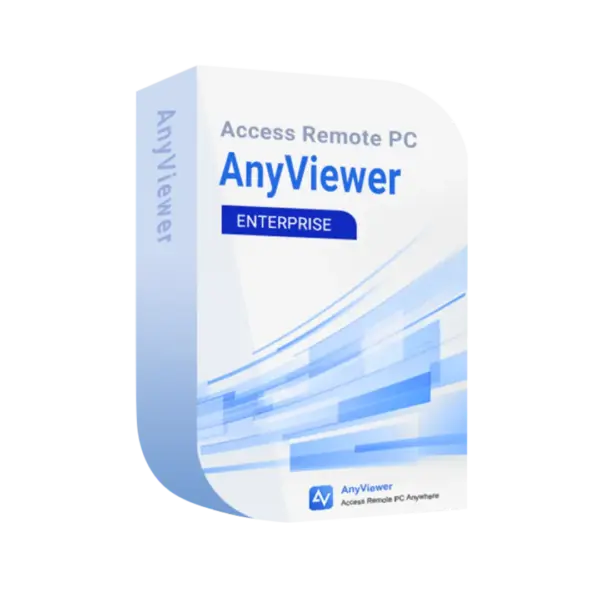
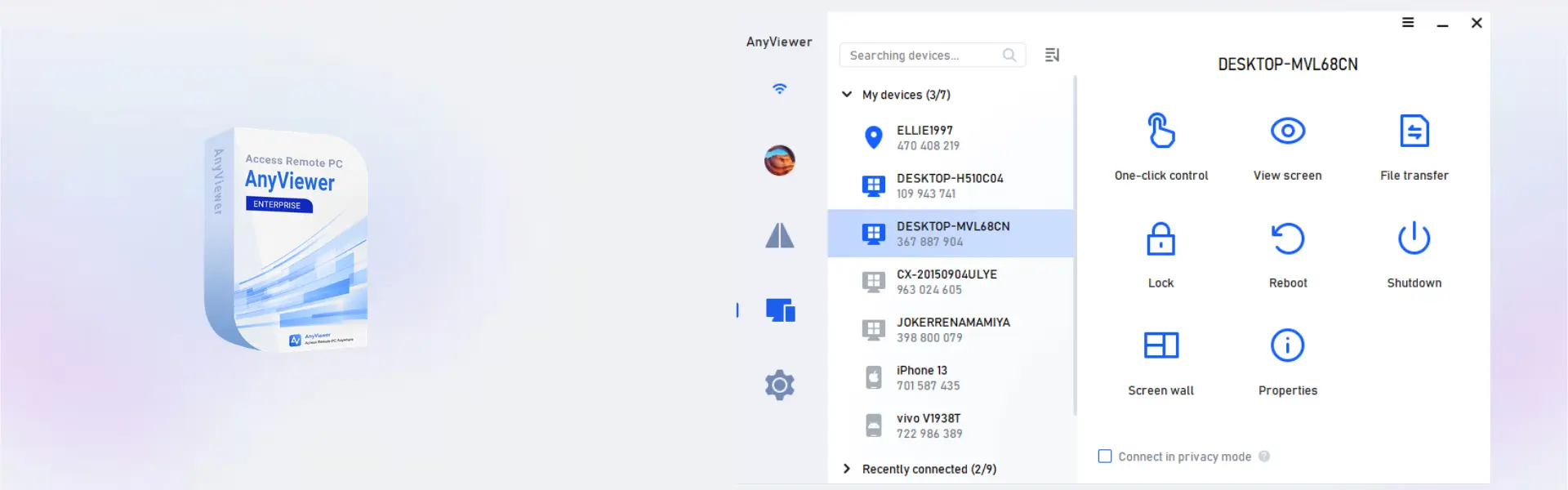
AnyViewer Enterprise is an advanced remote access solution for businesses that need fast, secure, and scalable device control. It supports instant digital delivery, simple online activation, and professional use across large Windows environments.
This is not a monthly subscription. You receive full usage for the selected 1 Year, 3 Years, or 6 Years term, giving your team a flexible long-term remote support solution.
Overview of AnyViewer Enterprise
- Platform: Windows
- Edition: Enterprise
- Devices: 100 Devices
- License Duration: 1 Year/ 3 Years / 6Years
- Activation Method: Online activation
- Delivery: Instant digital delivery via email
- Support: Email and remote assistance
- Language Support: Multi-language
- Compliance: Genuine software licenses sourced through compliant distribution channels in line with EU laws (EU Directive 2009/24/EC) and industry standards.
Key Features
- Enterprise remote access: Connect to multiple Windows devices securely, so IT teams can support users without being on-site.
- Large device coverage: Manage up to 100 devices, which helps growing teams centralize remote support.
- Fast unattended access: Reach workstations and servers when users are away, reducing downtime and delays.
- Secure connection tools: Protect remote sessions and business data during support or administration.
- Team-friendly workflow: Support departments can manage more endpoints with fewer manual steps.
- Multi-language interface: Use the software across international teams with easier adoption.
- Instant email delivery: Start setup quickly after purchase with digital delivery and online activation.
Main Features Explained
Remote Desktop Access
Remote desktop access lets your team connect to Windows devices from another location. As a result, support tasks, troubleshooting, and maintenance can be handled faster.
Unattended Device Control
Unattended access allows approved users to connect without waiting for someone at the remote computer. This matters for IT teams that manage offices, workstations, or support cases outside normal hours.
Enterprise Device Management
With support for 100 devices, AnyViewer Enterprise helps businesses organize larger remote environments. Therefore, it is ideal for managed service providers, IT departments, and support teams.
Secure Online Activation
Online activation makes setup simple and fast. It also helps confirm that the software is activated correctly for professional use.
Why Choose AnyViewer Enterprise?
AnyViewer Enterprise is built for businesses that need reliable remote access across many Windows devices. It is a strong choice for IT support, remote maintenance, employee assistance, and centralized endpoint management.
For companies browsing professional computer programs, this product offers a practical way to improve response time and reduce on-site visits. Unlike backup-focused tools such as AOMEI Backupper Server, AnyViewer Enterprise focuses on remote access, live support, and device control.
AnyViewer Enterprise vs Alternatives
Compared with smaller remote access plans, AnyViewer Enterprise is better suited for larger teams because it supports up to 100 devices. It gives businesses more room to manage departments, client systems, or distributed workstations.
Standard remote desktop tools may be enough for occasional use. However, this Enterprise edition is more practical when your team needs structured, secure, and scalable remote access.
System Compatibility
AnyViewer Enterprise is designed for Windows environments. Before activation, make sure your devices meet the software requirements and have a stable internet connection for online activation and remote sessions.
License Type Explanation
This product is supplied for the selected usage term of 1 Year, 3 Years, or 6 Years. It is a one-time purchase for the chosen period, not a monthly subscription. The provided specifications do not classify it as Retail, Bind, or LTSC.
Usage is intended for the activated business environment and the included device allowance. For transfer or redeployment questions, contact support before changing devices.
Installation & Activation
- Complete your order and check your email for instant digital delivery.
- Download and install AnyViewer Enterprise on your Windows device.
- Open the software and choose the online activation option.
- Enter the activation details received by email.
- Sign in, configure your devices, and start secure remote access.
- Contact support if you need email or remote assistance.
Why Buy From Us?
Digital License provides a secure and professional buying experience for software users across Europe. Every order is handled with fast delivery, clear support, and compliance-focused sourcing.
- Genuine software licenses from compliant distribution channels
- Secure payment process
- Instant digital delivery via email
- Email and remote assistance
- Compliance with EU laws, including EU Directive 2009/24/EC, and industry standards
Trust & Reliability
We focus on clear delivery, compliant sourcing, and dependable after-sales support. Therefore, businesses can purchase with confidence and activate their software without unnecessary delays.
FAQ
How is AnyViewer Enterprise delivered?
It is delivered digitally by email after purchase.
How do I activate AnyViewer Enterprise?
You activate it online using the activation details sent by email.
Is AnyViewer Enterprise compatible with Windows?
Yes, this product is designed for Windows devices.
How many devices are included?
The Enterprise edition covers 100 devices.
Is this a monthly subscription?
No. It is a one-time purchase for the selected 1 Year, 3 Years, or 6 Years usage term.
Can I transfer the activation?
Transfer terms are not defined in the provided specifications. Please contact support before changing devices or redeploying the software.
Is this software legal to purchase?
Yes. Licenses are sourced through compliant distribution channels in line with EU laws, including EU Directive 2009/24/EC, and industry standards.
Do you provide support?
Yes. Email and remote assistance are available.
| Component | Requirement |
| Operating System | Windows 7/8/10/11, Windows Server |
| Processor | 1 GHz or faster processor |
| RAM | 2 GB minimum |
| Internet Connection | Stable broadband internet connection |
| Storage | 200 MB available space |
| Specification | Detail |
|---|---|
| Product | AnyViewer Enterprise |
| Users | 30 Users |
| Managed Devices | 100 Devices |
| License Duration | 1 Year / 3 Years / 6 Years |
| Activation | Enterprise subscription activation |
| Delivery Method | Delivered by email within 15 minutes |
| Languages | Multilingual |
Additional information
| Subscription period | 1 Year, 3 Years, 6 years |
|---|

1 – Buy
Shop securely with SSL encryption.

2 – Receive
You will receive the license key and download link.

3 – Download
Download and install the software.

4 – Activate
Enter the license key to the software.
Ashampoo 3D CAD Architecture 10