


























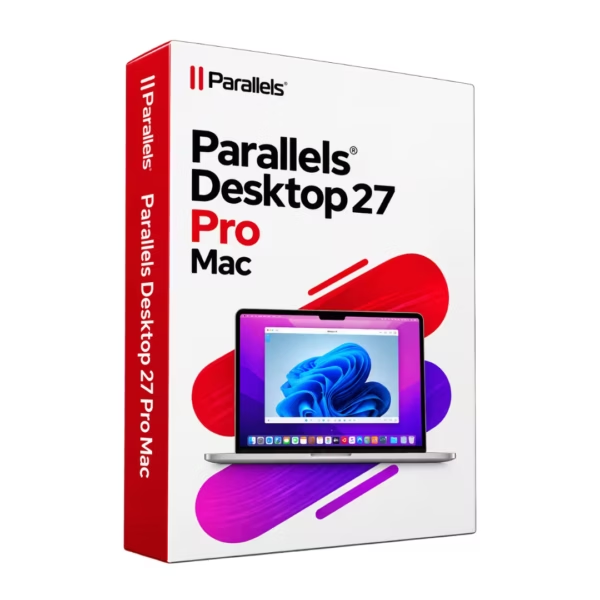












- Description
- Minimum Requirements
- Specifications
- Reviews
Parallels Desktop 27 Pro Mac is a professional virtualization solution for Mac users. It lets you run Windows and other operating systems alongside macOS without using a separate computer. The product is delivered instantly by email and includes a 1-year license for 1 Mac.
Overview of Parallels Desktop 27 Pro Mac
- Platform: MacOS
- Edition: Pro
- License Type: Online
- Devices: 1 Device
- License Duration: 1 Year
- Activation Method: Online activation
- Delivery: Instant digital delivery via email
- Support: Email and remote assistance
- Language Support: Multi-language
- Compliance: Genuine software licenses sourced through compliant distribution channels in line with EU laws (EU Directive 2009/24/EC) and industry standards.
Key Features
- Run Windows on Mac: Use compatible Windows applications directly on your Mac. This removes the need for a separate Windows computer.
- Professional virtualization: Create virtual machines for work, development, testing, and technical projects. This gives advanced users more flexibility.
- Easy switching: Move between macOS and Windows without restarting your Mac. As a result, you can work faster across both platforms.
- Advanced virtual machine control: Adjust memory, storage, processors, and other resources. This helps you optimize each virtual machine for its workload.
- Development and testing: Build isolated environments for software development and testing. Therefore, you can experiment without changing your main macOS setup.
- Cross-platform productivity: Use Windows software together with your normal Mac applications. This is useful for mixed business and technical workflows.
- Single-device use: The product is designed for one compatible Mac. It remains active for the specified 1-year term.
Main Features Explained
Windows Virtualization
Parallels Desktop creates a virtual machine on your Mac. This allows a compatible Windows operating system to run alongside macOS.
It is especially useful when you depend on Windows-only software. You can keep using your Mac while still accessing the applications you need.
Advanced Virtual Machine Configuration
The Pro edition gives you greater control over virtual machine resources. You can adjust memory, processors, storage, and other settings.
This matters when you run demanding software. It also helps developers create optimized environments for different projects.
Development and Testing Environments
You can create separate virtual machines for development, testing, and compatibility checks. Each environment remains isolated from your main macOS installation.
As a result, developers and IT professionals can test software with less risk to their primary system.
Cross-Platform Workflow
Parallels Desktop lets you use macOS and Windows from the same Mac. You do not need to switch between separate computers.
This makes daily work simpler. For example, you can use a Windows business application while keeping your usual Mac tools open.
Virtual Machine Management
Users can create and manage different virtual environments for specific tasks. This is helpful for development, technical support, software testing, and training.
In addition, separate virtual machines make it easier to keep projects and operating systems organized.
Why Choose Parallels Desktop 27 Pro Mac?
Parallels Desktop 27 Pro Mac is designed for developers, IT specialists, businesses, and advanced Mac users. It is a practical choice when Windows software is still essential to your workflow.
The software is useful for development, testing, business applications, training, and cross-platform work. It also reduces the need to maintain a second physical computer.
You can explore more solutions in our virtualization software collection.
If you already use an earlier Pro version, compare it with Parallels Desktop 26 Pro Mac. This can help you decide which generation better matches your current setup.
For lighter everyday virtualization needs, you may also consider Parallels Desktop 26 Mac. It is aimed more at general users than advanced professional workflows.
Parallels Desktop 27 Pro Mac vs Alternatives
Parallels Desktop 27 Pro Mac is aimed at professional and advanced users. It is especially suitable for development, testing, IT tasks, and demanding business workflows.
Parallels Desktop 26 Pro Mac belongs to the previous Pro generation. It may still suit systems and workflows built around that version.
Parallels Desktop 26 Mac is a more general-purpose option. It is better suited to users who mainly want easy access to Windows applications.
Therefore, the Pro edition is the stronger choice for developers and technical users who need more control over virtual machines.
System Compatibility
Parallels Desktop 27 Pro Mac is designed for compatible Mac computers running supported versions of macOS. Before installation, check your Mac model and macOS version.
You should also review your processor, available memory, and free storage space. Virtual machines use the hardware resources of your Mac.
More RAM and processing power can improve performance. This is especially important for demanding Windows software, development tools, or multiple virtual machines.
Application compatibility can also vary. Therefore, check the requirements of any important Windows software before deployment.
What Does the Online License Type Mean?
Parallels Desktop 27 Pro Mac uses an Online license. Activation is completed online with the information provided after purchase.
- 1 device: The product is intended for one compatible Mac.
- 1-year duration: The license remains valid for one year.
- Online activation: An internet connection is required to complete activation.
- Digital delivery: The required product information is sent by email.
- Transferability: Any transfer or reassignment depends on the applicable product terms.
- Renewal: Continued use after the 1-year period requires a valid renewal or new entitlement where applicable.
Installation & Activation
- After purchase, check your email for the product information.
- Confirm that your Mac and macOS version meet the compatibility requirements.
- Download and install the appropriate Parallels Desktop application.
- Open the software and enter the supplied activation information.
- Complete the online activation process.
- Create your virtual machine and install the operating system you want to use.
Why Buy from Digital License?
Digital License provides fast digital delivery and professional support. We also source software through compliant distribution channels.
- Genuine software licenses from compliant distribution channels
- Secure payment through the methods available at checkout
- Email and remote assistance for technical issues
- Instant digital delivery directly by email
- EU compliance in line with EU Directive 2009/24/EC and industry standards
Professional Software from Digital License
Digital License focuses on secure digital software delivery and reliable customer support. Our goal is to make purchasing, installation, and activation as simple as possible.
We also provide assistance by email and remote support when needed. This gives customers practical help during setup and activation.
Frequently Asked Questions
How long can I use Parallels Desktop 27 Pro Mac?
The specified license duration is 1 Year.
How many devices can I use it on?
The product is intended for activation on 1 compatible Mac.
How is the product delivered?
The product information is delivered digitally by email after purchase.
How does activation work?
Activation is completed online using the product information supplied after purchase.
Can I run Windows applications on my Mac?
Yes. Parallels Desktop allows you to run a compatible Windows operating system in a virtual machine on your Mac.
Is the Pro edition suitable for developers?
Yes. It is designed for developers, IT professionals, technical users, testing environments, and other advanced workflows.
Can I transfer it to another Mac?
The product is specified for one device. Any transfer or reassignment depends on the applicable product and activation terms.
Does Parallels Desktop include Windows?
Parallels Desktop is virtualization software. The guest operating system and other software may require separate installation and licensing.
Is it compatible with every Mac?
No. Compatibility depends on the Mac model, processor, macOS version, system resources, and the requirements of the software you want to run.
Is the product supplied legally?
Digital License supplies genuine software licenses through compliant distribution channels in line with applicable EU laws and industry standards.
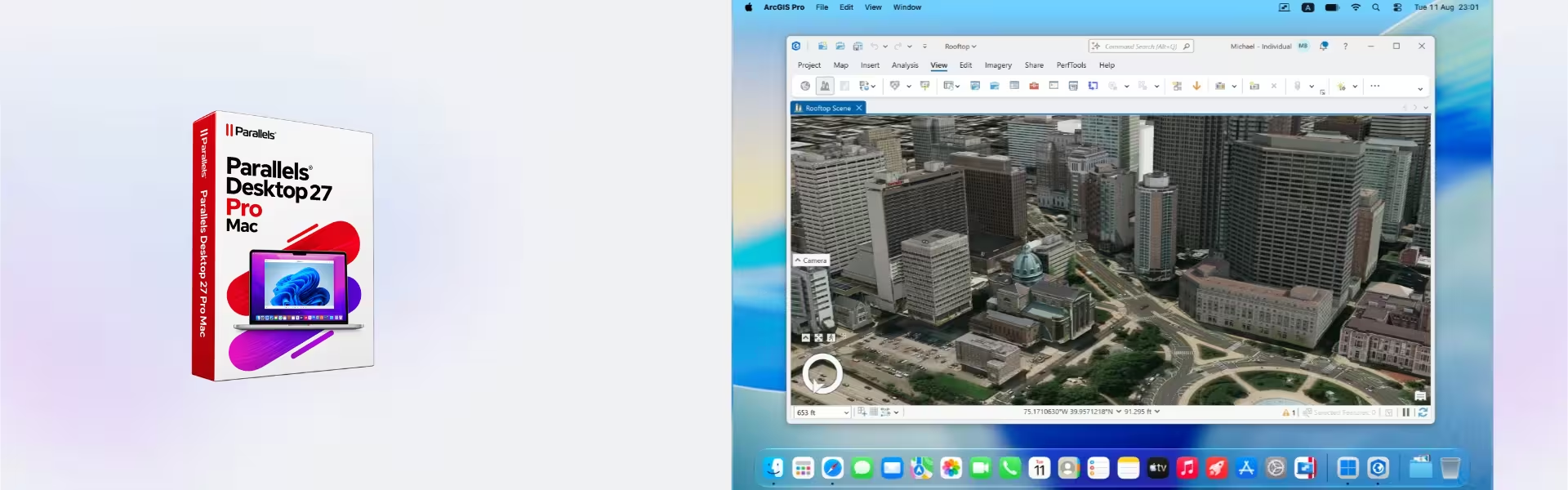
| Component | Requirement |
| Processor | Apple Silicon Mac with an M-series chip or A18 Pro chip |
| RAM | 8 GB RAM minimum |
| Storage | 600 MB for the Parallels Desktop application, plus additional space for the guest operating system (at least 16 GB for Windows) |
| Operating System | macOS Sonoma 14.7, macOS Sequoia 15.5, macOS Tahoe 26.0, or later |
| Graphics | Integrated Apple Silicon graphics |
| Internet Connection | Required for product activation, updates, and selected features |
| Specification | Detail |
| Activation | Single Mac activation |
| License validity | 1 Year |
| Delivery method | By email within 15 minutes |
| Languages | Multilingual |

1 – Buy
Shop securely with SSL encryption.

2 – Receive
You will receive the license key and download link.

3 – Download
Download and install the software.

4 – Activate
Enter the license key to the software.

Corel Painter Essentials 7 (PC - Mac)
Vmware vCenter Server 8 Standard

Nuance Dragon NaturallySpeaking Premium 13
