











- Description
- Minimum Requirements
- Specifications
- Additional information
- Reviews
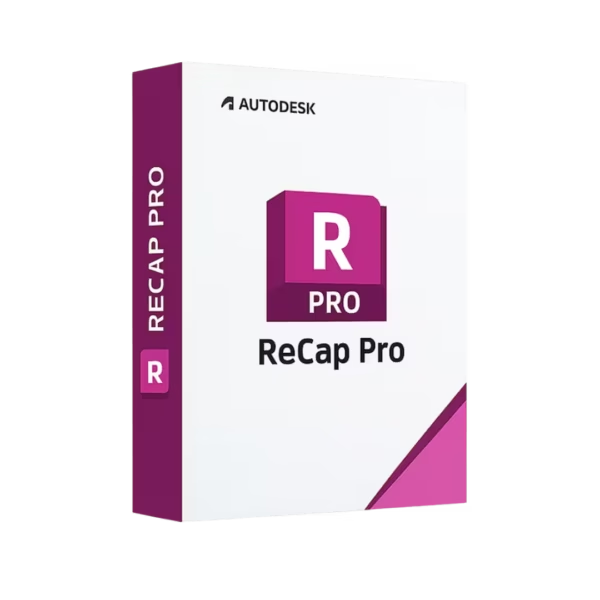
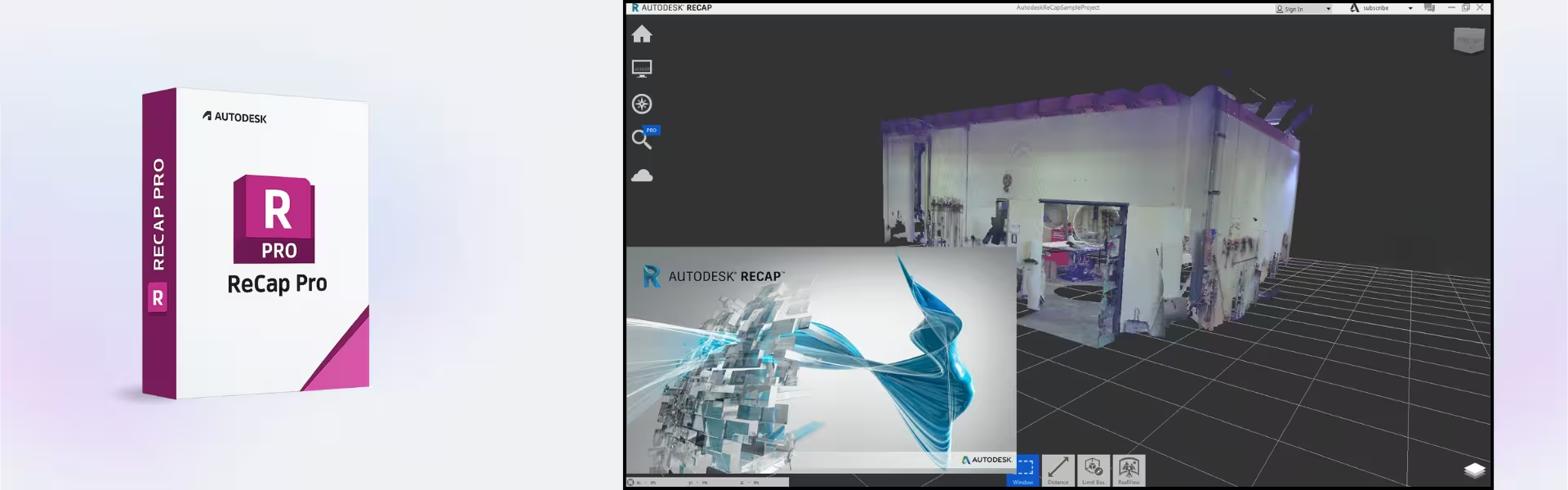
Autodesk Recap Pro is professional reality capture software for turning scan and photo data into accurate 3D models. It includes instant digital delivery, lifetime usage after activation, and no subscription billing for the activated purchase.
Use it to process point clouds, prepare site data, and improve design accuracy across architecture, construction, engineering, and infrastructure workflows.
Overview of Autodesk Recap Pro
- Platform: Windows/ Mac
- Edition: Pro
- License Type: Retail
- Devices: 1 Device
- License Duration: 1/ 3 Years
- Activation Method: Online activation
- Delivery: Instant digital delivery via email
- Support: Email and remote assistance
- Language Support: Multi-language
- Compliance: Genuine software licenses sourced through compliant distribution channels in line with EU laws (EU Directive 2009/24/EC) and industry standards.
Key Features
- Reality capture processing: Convert scan and photo data into usable 3D project assets, helping teams work from accurate real-world conditions.
- Point cloud workflows: Clean, organize, and prepare point clouds, so designers can reduce errors before modeling or documentation.
- Design software integration: Use captured data with Autodesk workflows, making it easier to move from site capture to design planning.
- Measurement support: Review distances and site details from captured data, improving project decisions before field changes are made.
- Professional site documentation: Create reliable digital references for buildings, infrastructure, renovation, and construction projects.
- Online activation: Activate quickly and begin working without waiting for physical delivery.
Main Features Explained
Reality Capture
Reality capture helps turn real-world site conditions into digital data. This matters because teams can plan, model, and verify projects with greater confidence.
Point Cloud Management
Autodesk Recap Pro helps manage point cloud data from laser scans. As a result, architects, engineers, and construction teams can work with cleaner, more useful project references.
Photo-to-3D Workflows
The software supports workflows that help transform captured visuals into practical 3D information. This is useful for surveys, inspections, renovation planning, and documentation.
Autodesk Ecosystem Support
Autodesk Recap Pro fits well into broader Autodesk design workflows. Therefore, teams can use captured site data more effectively across planning, drafting, and modeling tasks.
Why Choose Autodesk Recap Pro?
Autodesk Recap Pro is built for professionals who need accurate site data before design work begins. It is ideal for architects, engineers, surveyors, construction teams, BIM specialists, and infrastructure planners.
If your workflow includes design, drafting, or engineering tools, explore more options in our CAD and engineering software licenses category. For drafting and technical drawing, you can also compare it with Autodesk AutoCAD, which focuses more on 2D drafting and CAD documentation.
For BIM and construction design, Autodesk Revit is a strong companion for building information modeling. For infrastructure and civil engineering projects, Autodesk Civil 3D offers specialized tools for roads, grading, corridors, and site design.
Autodesk Recap Pro vs Alternatives
Autodesk Recap Pro is focused on reality capture, scan processing, and point cloud preparation. Autodesk AutoCAD, in contrast, is designed for CAD drafting, technical drawings, and documentation.
Compared with Autodesk Revit, Recap Pro is better for preparing real-world scan data before BIM work begins. Revit is stronger for modeling buildings and managing BIM elements, while Recap Pro helps capture and prepare the existing site conditions.
System Compatibility
Autodesk Recap Pro supports Windows and Mac systems. For smooth performance, use a modern device with enough memory, strong graphics capability, and sufficient storage for large scan or point cloud files. Also, keep your operating system updated before installation.
License Type Explanation
This product includes a Retail license for one device. It can be installed and activated once on one computer only, and it cannot be transferred to another device after activation.
After activation, the license provides lifetime usage for the activated installation with a one-time purchase model and no recurring subscription billing. However, if the software is uninstalled or the device is formatted, the license is lost and cannot be used again.
Installation & Activation
- Complete your order and receive instant digital delivery by email.
- Download Autodesk Recap Pro using the provided instructions.
- Install the software on your Windows or Mac device.
- Open the software and begin online activation.
- Complete the activation process on your selected device.
- Contact our support team if you need email or remote assistance.
Why Buy From Us?
Digital License offers a secure and simple way to purchase professional software for design, engineering, and construction workflows. You receive fast delivery, practical support, and compliant licensing standards.
- Genuine licenses sourced through compliant distribution channels
- Secure online payment process
- Instant digital delivery via email
- Email and remote assistance included
- Compliance with EU laws, including EU Directive 2009/24/EC, and industry standards
Trust & Reliability
We help professionals activate software with confidence. Each order is handled with clear delivery, secure checkout, and support designed to make installation and activation easier.
FAQ
How is Autodesk Recap Pro delivered?
Autodesk Recap Pro is delivered digitally by email after purchase, allowing you to begin installation quickly.
How do I activate Autodesk Recap Pro?
Activation is completed online. Follow the instructions included with your order to activate it on your device.
Is Autodesk Recap Pro compatible with Windows and Mac?
Yes. Autodesk Recap Pro supports Windows and Mac, based on the platform information provided for this product.
Can I transfer the Retail license to another computer?
No. This Retail license can be activated once on one computer and cannot be transferred after activation.
What happens if I uninstall the software?
If the software is uninstalled or the device is formatted, the license is lost and cannot be used again.
Does Autodesk Recap Pro require a subscription?
No. It is provided as a one-time purchase for the selected license duration, with no recurring subscription billing.
Is this product legal?
Yes. The license is sourced through compliant distribution channels in line with EU laws, including EU Directive 2009/24/EC, and industry standards.
Do you provide support?
Yes. Email and remote assistance are included to help with installation and activation.
| Component | Requirement |
| Processor | Multicore Intel or AMD processor (64-bit), 2.5 GHz or higher |
| RAM | 8 GB minimum (16 GB recommended) |
| Storage | 10 GB of free disk space for installation |
| Operating System | Windows 10 or Windows 11 (64-bit) |
| Graphics card | DirectX 11 or higher compatible GPU with 1 GB VRAM or more |
| Display | 1280 × 1024 resolution or higher |
| Specification | Detail |
|---|---|
| Activation | Single PC (one-time activation) |
| License validity | 1 year / 3 years (renewable annually) |
| Delivery method | By email within 15 minutes |
| Languages | Multilingual |
Additional information
| Operating systems | Windows, Mac |
|---|---|
| Year version | 2024, 2025, 2026, 2027 |
| Subscription period | 1 Year, 3 Years |

1 – Buy
Shop securely with SSL encryption.

2 – Receive
You will receive the license key and download link.

3 – Download
Download and install the software.

4 – Activate
Enter the license key to the software.
Ashampoo 3D CAD Professional 10
VMware vCenter Server 7 Standard